合作伙伴產品
浩辰CAD與合作伙伴攜手,提供更為優質應用開發軟件。
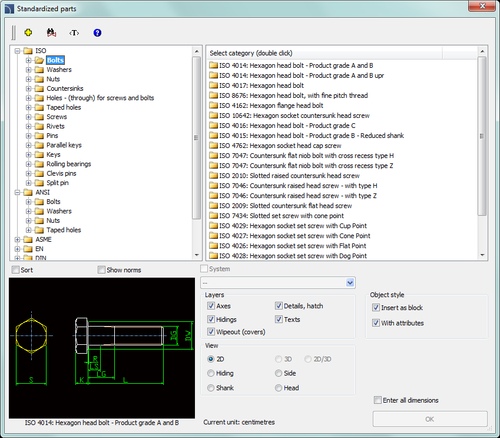
? A rich set of parametric standardized parts and fasteners, including bolts, screws, washers, nuts, joints, rivets, studs, openings, rebates, wedges, pivots, pins, bearings, grease nipples, rings and many more.
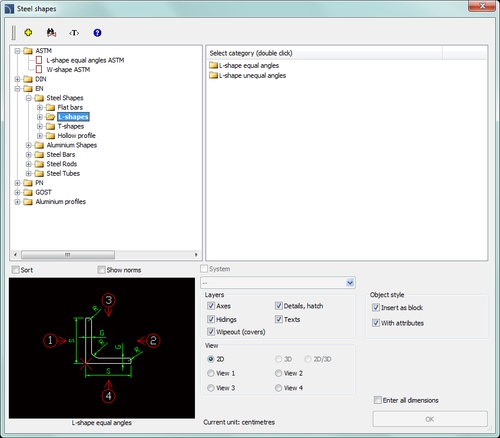
? Steel and aluminium shapes and profiles: L-shapes, C-shapes, T-shapes, flat bars, hollow profiles, rods, pipes and others.
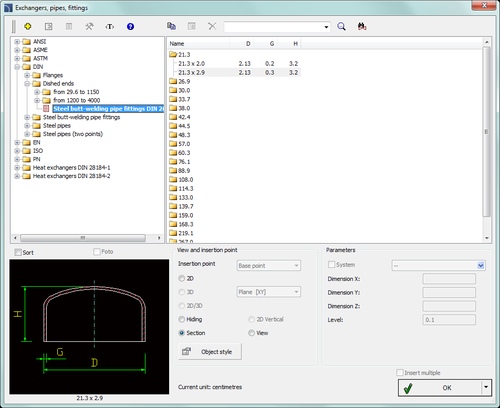
? Elements used for designing apparatus, including flanges and dished ends, steel pipes and fittings (elbows, tees, reducers). It is possible to draw pipelines with automatic insertion of bends and automatic connection of pipes by using a variety of fittings.
? Procedures used for calculating the heat exchangers and different types of tube bundles in heat exchangers.
? Dynamic scaling of parts when inserting them into drawing or when editing projects. This allows for automatic selection of the size of the element directly in the drawing (e.g. selecting screws with a length matched to the thickness of connected elements).
? Versatile editing commands that allow for reversal of elements, extending steel profiles etc.
? All parts have different views adapted for creating different designs (e.g. front views, side, cross-section etc.). It is also possible to define the style and detail level that allows for insertion of parts with details, axes, hatch etc.
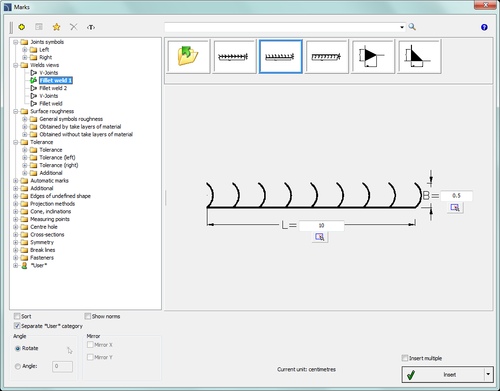
? System of freely configurable marking welds, tolerance signs, edge, roughness and others.
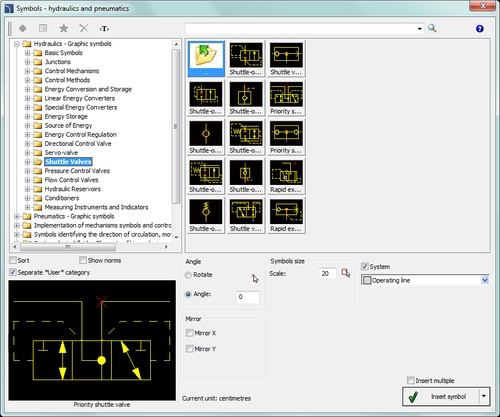
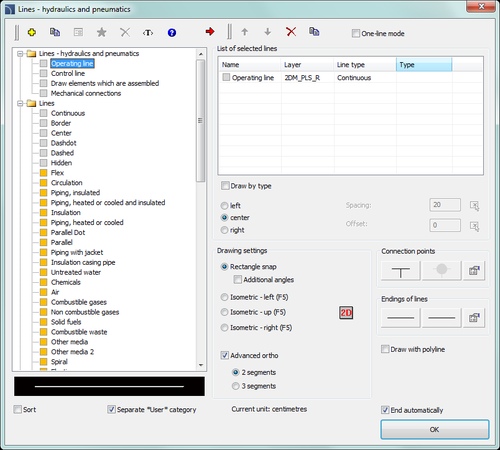
? Convenient design of diagrams and pneumatic systems using smart symbols, lines and editing functions.
? Additional drawing tools that greatly facilitate the creation of technical drawings (axis, circle axes, center marks, bisectors and others).
? Designing is done in accordance with designers habits and requirements.
? Metric or imperial units available.
? Tools for full description and projects detailing.
? Automatic numbering of objects.
? A system of quick search of products in the database.
? Access to CAD libraries of many world known manufacturers.
? Possibility to important and add to the program user's own symbols or objects.
? Automatic layer management and printing styles allows user to achieve prints with predefined line thickness, colours, etc.
? Possibility to define the list of "favourites" that allows to work in accordance with user habits and preferences.
? Possibility of adding your own translations or changing the terminology that is used in the program.
? Smart insertion of objects with the possibility of attaching them to other objects by using the "one-click" technology.
? Intelligent commands that allow for performing quick editing operations on symbols and objects directly in the drawing.
? Possibility to create any diagrams, flowcharts, technological and functional schemes, algorithms.
? Possibility to create bill of materials and specifications that can be either printed or exported to multiple formats including pdf, rtf (doc), xls, xml, csv, html and more.
? Automatic creation of graphical legends.
? On-line help with many illustrations and exemplary videos that explain in details how to use the program.
? On-line update system.

 蘇公網安備 32059002004222號